

Feature 1 of 6
Reading and tracks
The reading screen is the heart of the app: one page of the book, passage by passage as it is printed, with everything else as a layer on top that you switch on yourself.
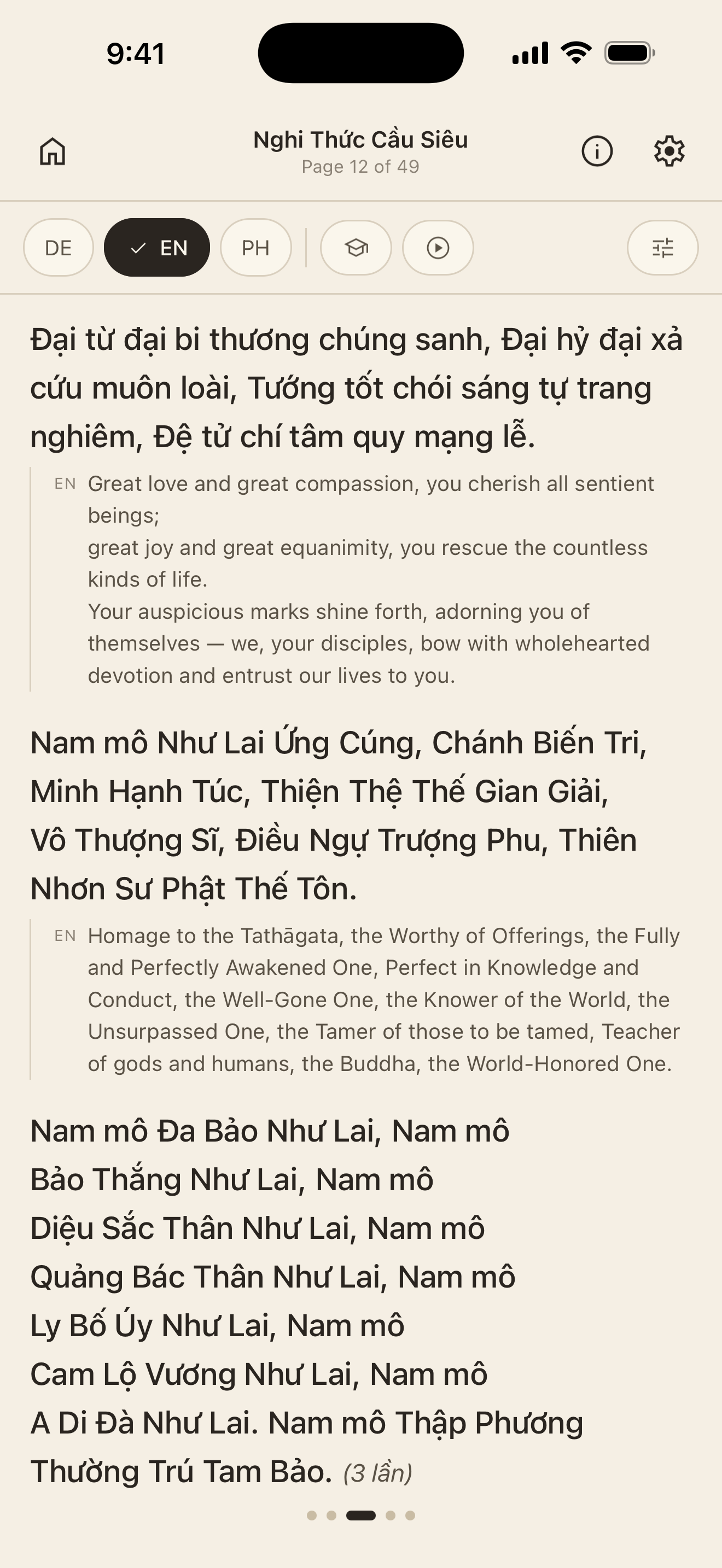
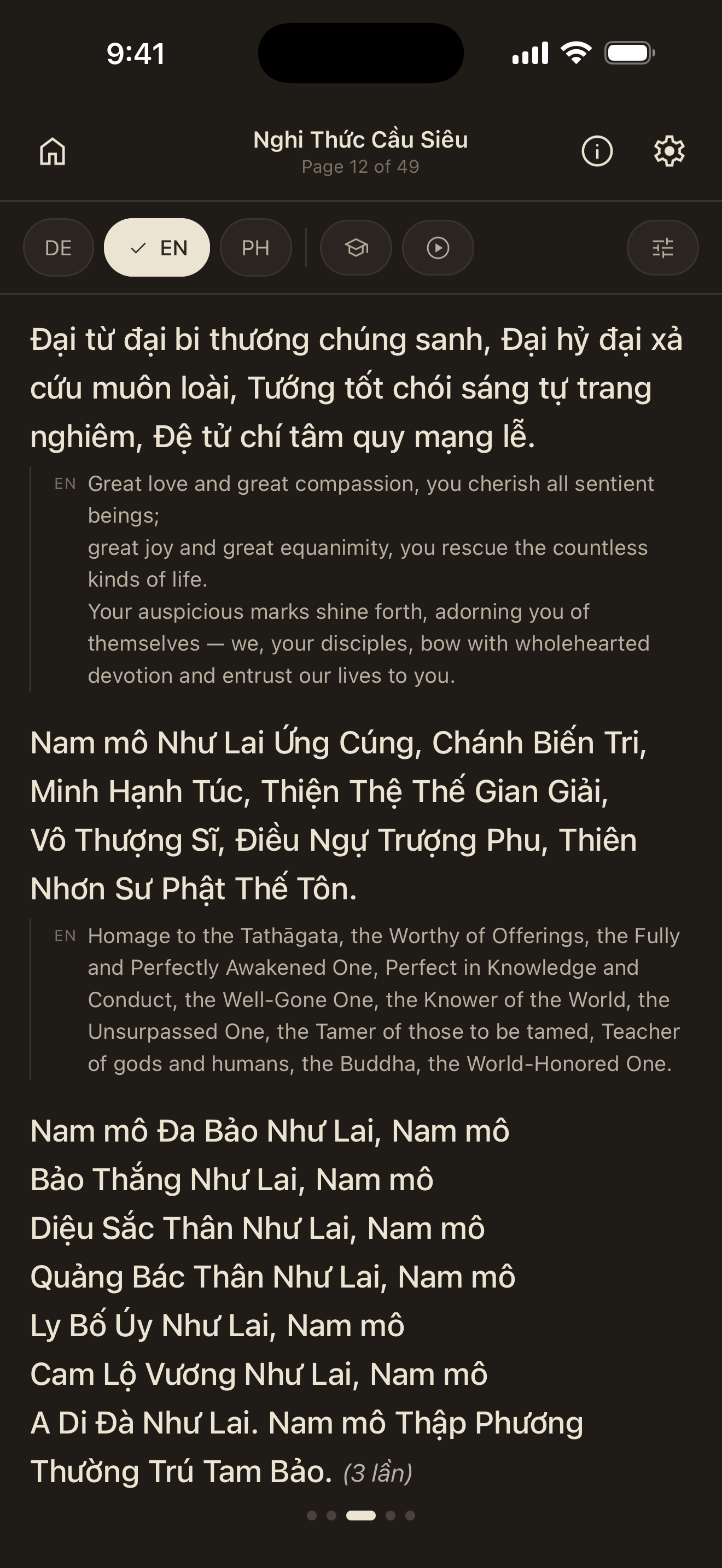
The Vietnamese text is on top. Underneath it you bring in whatever you need: the German translation, the English one and a simplified pronunciation. The Hán-Việt characters — the Chinese characters behind the words — are not a separate track: where a word has them, the lookup sheet shows them as soon as you tap it. Each track goes on and off on its own. None of it replaces the original; that stays where it is, always.
Passage by passage, not page by page
A translation printed as a block beside the page is little help when you are following along: you have to work out for yourself which sentence belongs where. In KinhMõ every passage of the book stays one passage — a verse, a prose paragraph, a mantra, a run of invocations — beginning and ending where it does in print. And directly beneath it sits every track you have switched on. A passage can be a single line, one sentence or several. So you follow with your finger: Vietnamese passage, meaning, next passage.
What belongs to the ceremony is there too: repetition counts, bows, the notes about who speaks when. They are not part of the prayer, but without them you would not know when to read what, and how many times.
Memorize, to see whether it sticks
Sooner or later you want to know whether you can say a page without looking at it. That is what “Memorize” is for: the page stays exactly as it is — part of it is simply covered up. You switch it on in the reading options under “Memorize”; the mortarboard button in the control bar is the shortcut to it.
There are two forms. “Words” covers every second word of the page — or every third, fourth, fifth, whichever you set under “Every Nth word”. The syllables of the mantras are counted in; the notes about the course of the ceremony stay visible, so you do not lose your place. “Lines” instead lays a milky veil over every passage of the page, together with the tracks beneath it — enough to sense the shape of the line, too little to read it off.
A tap brings any of it back: on a covered word, on a veiled passage — and there it is again. While the veil is down that tap opens no lookup sheet; reveal first, look up second. Nothing is altered, the text is only covered: the moment you end “Memorize” the whole page stands as it did. Nor is any of it remembered — leave the reading screen and you start again next time with an open page.
Notes where a page needs them
Some pages carry a small ⓘ. Behind it is what that page is and why it stands where it does. And where the print carries a mistake, it is not passed on silently: the line is corrected, and the note says what the book has and why this differs.
No track explains a single word — for that you tap it. That is under Lookup. And if you want to recite rather than read, Recitation and rhythm is the other mode of the same page.